City

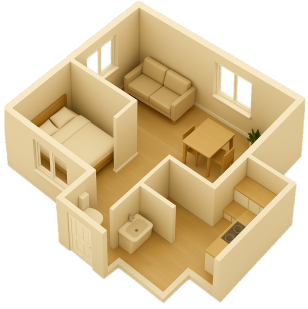
Upload your floor plan image (JPG or PNG). Drag and drop or paste to get started.
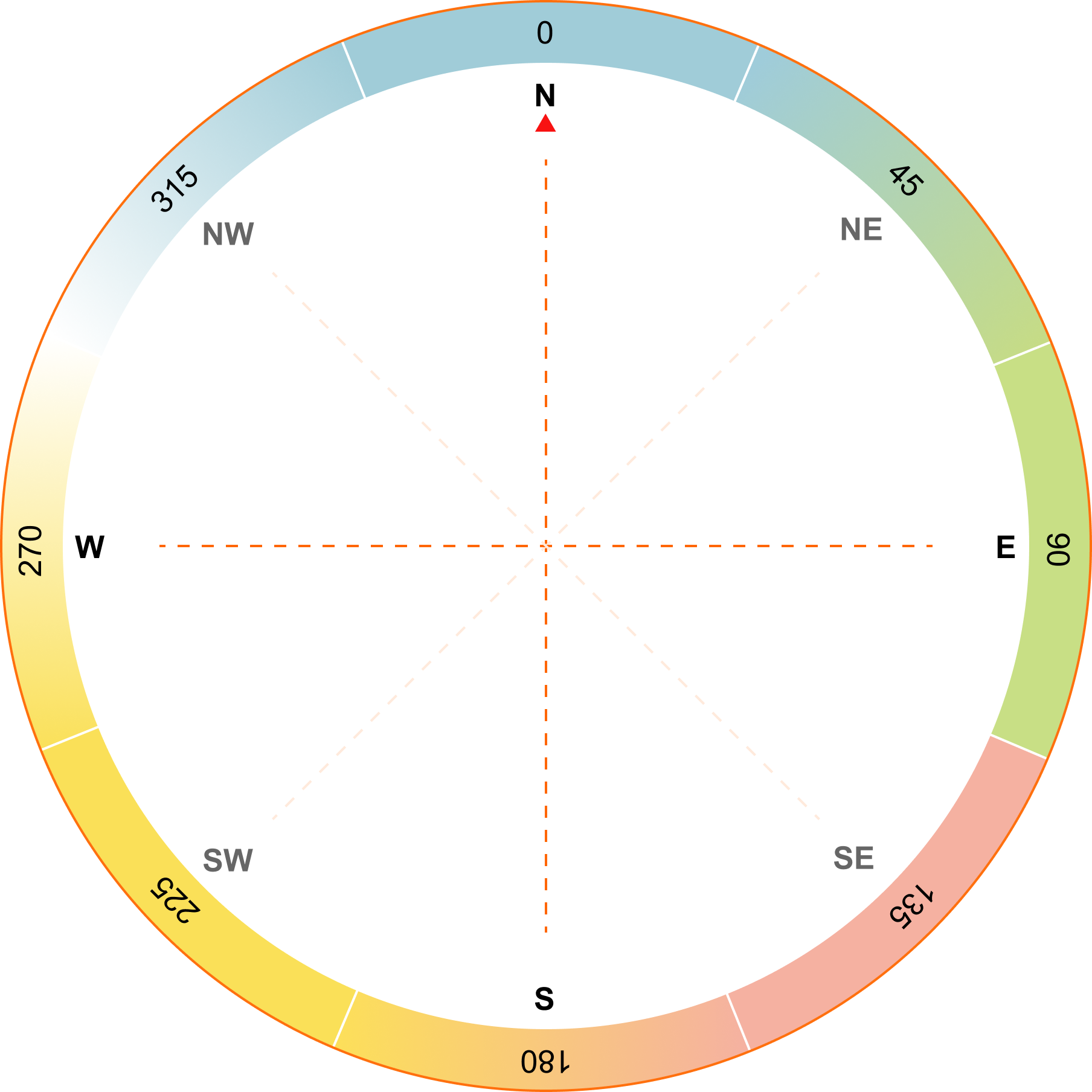
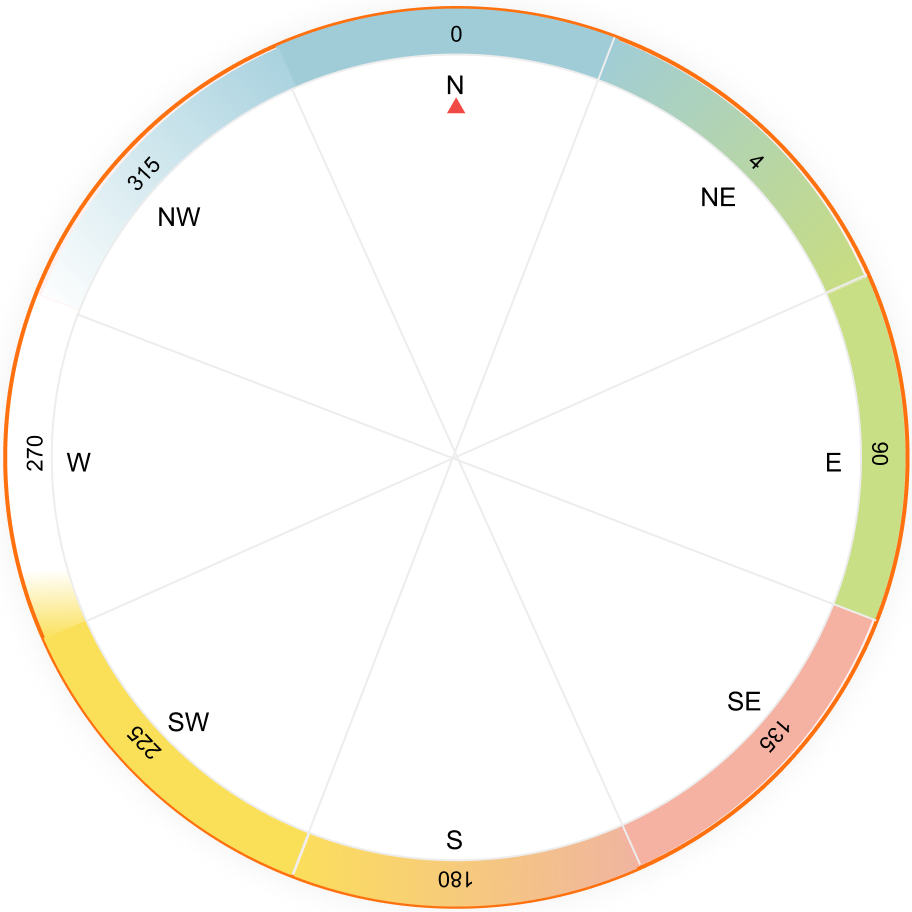
Rotate the compass dial to match your property’s direction. Use the left or right buttons to turn it in 22.5° steps.
Verify the building’s center point (Brahmasthan). Adjust it if needed for correct energy mapping.
Review the detected room points on your floor plan. Move points to the correct rooms, add points for missing rooms, or delete incorrect ones.
Get an instant Vaastu summary based on core principles. See insights, imbalances, and recommendations for your home.


It auto-loads here for Vaastu analysis
Supported formats: JPG, PNG (Max size: 5MB)
| Feature | Our Solution (Square Yards) | Typical Alternatives |
|---|---|---|
| Price | ₹399(55.67% off from ₹900) | ₹25,000 - ₹75,000+ |
| Speed | Instant download | 1-2 days + site visits |
| Customisation |
|
|
| Remedies |
|
|
| Access |
|
|
| Result |
|
|
Confirm Floor-Plan Orientation Before you continue, please make sure the N-E-S-W directions on your floor plan line up with the compass shown in the calculator. Once everything looks right, hit Next to proceed.

 Used by thousands of home buyers to validate property harmony and energy flow