
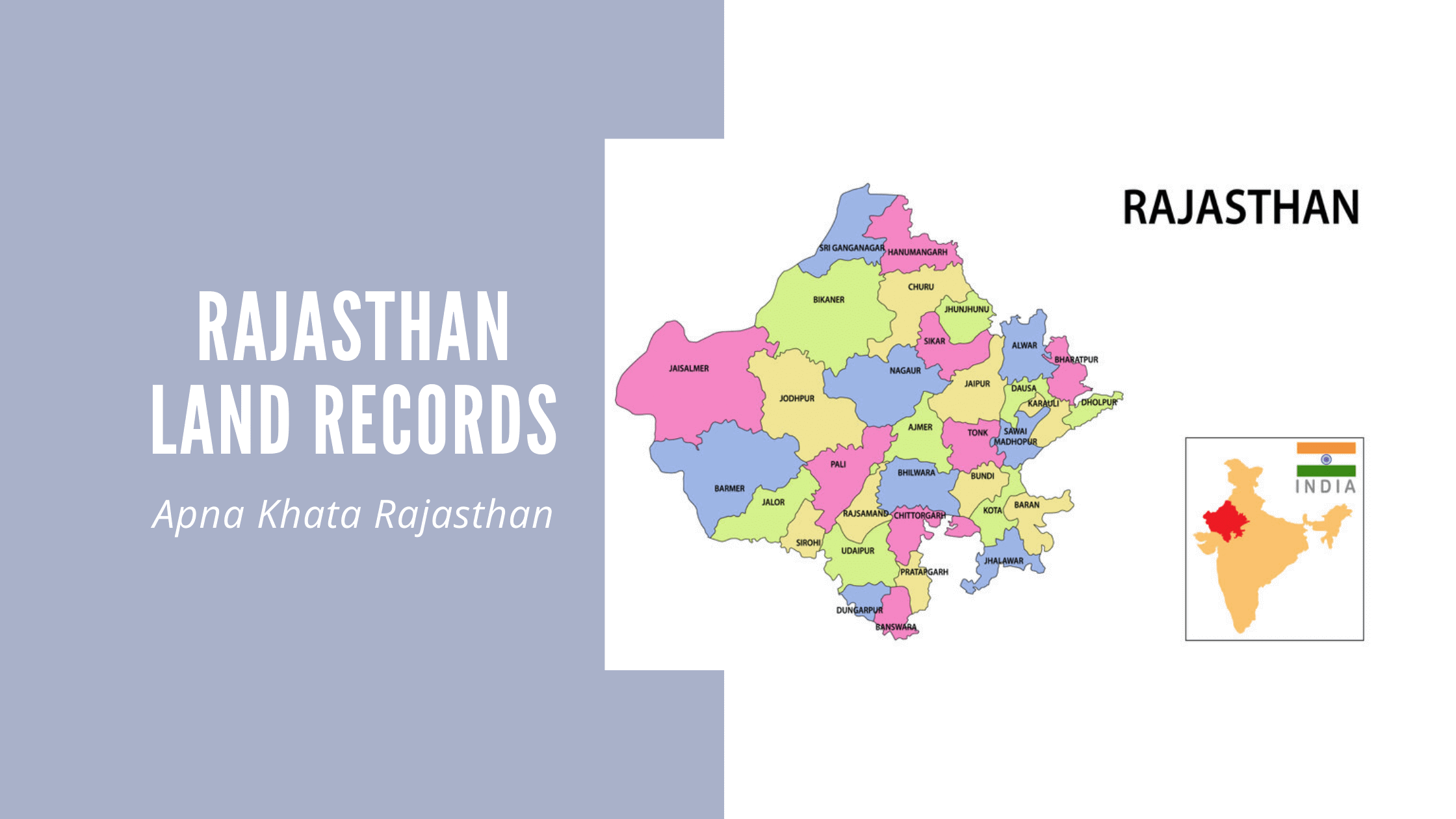
Rajasthan’s Revenue Department launched the Apna Khata Rajasthan portal back in 2016 – and honestly, it changed a lot for ordinary citizens. Land records that once required multiple trips to the Tehsildar’s office could suddenly be accessed from home, at no cost. The portal goes by a few names: e-Dharti, Bhulekh Rajasthan and Apna Khata – but they all point to the same place. It is also part of India’s larger Digital India Land Records Modernisation Programme (DILRMP), which pushed states to bring property and land data online for everyone.
Before this portal, you had to show up in person, wait your turn and hope the right records were available that day. Now, anyone in Rajasthan can check Jamabandi details, look up Khasra information, apply for mutation and download official land documents – all from a mobile phone. Many people also search for it as bhu abhilekh Rajasthan and it is the same system. If you need a khata nakal Rajasthan copy for a bank or want to download a nakal Rajasthan document for legal use, this portal has you covered.
- About E-Dharti Rajasthan (DILRMP)
- Facilities Available on Rajasthan Apna Khata Portal
- Important Terms Used for Land Records in Rajasthan
- How to Check Apna Khata Rajasthan Land Records Online?
- District Wise Mutation Details on Rajasthan Apna Khata
- E-Mitra Login On Apna Khata Rajasthan Portal
- Fee Details for Land Record Rajasthan Services
- Rajasthan Bhulekh Helpline or Customer Care Number
- Apna Khata Rajasthan Contact Details
- Conclusion
- Explore Land Records in Other States
About E-Dharti Rajasthan (DILRMP)
Apna Khata Rajasthan is the centralised land records portal run by the Revenue Department of Rajasthan. Whether people call it e-Dharti, Bhulekh Rajasthan or Apna Khata, it is all the same platform sitting at apnakhata.rajasthan.gov.in. The version running in 2026 is Apna Khata 5.0 – a noticeable upgrade from earlier iterations.
Here is a quick snapshot before you get started:
|
Detail |
Information |
|
Portal Name |
Apna Khata Rajasthan (e-Dharti) |
|
Official Website |
apnakhata.rajasthan.gov.in |
|
Current Version |
Apna Khata 5.0 (2026) |
|
Governing Department |
Revenue Department of Rajasthan |
|
Launched |
2016 |
|
Districts Covered |
All districts of Rajasthan |
|
Cost of Access |
Free (nominal fee for certified copies) |
Important: The portal does not carry land records dated before 1920. For anything older than that, you will need to visit the Tehsildar’s office in person.
Facilities Available on Rajasthan Apna Khata Portal
Most land-related tasks that used to require office visits can now be done entirely online through this portal. Here is what is available:
- Jamabandi Nakal (Record of Rights) – view and download ownership, Khasra and Khatauni details
- Land Title Verification – check the ownership history of any land before buying
- Mutation Status – see where your name transfer application currently stands
- Apply for Mutation – submit a mutation request without going anywhere
- Khasra Map Access – view and download boundary maps for any plot
- E-Mitra Login – connect to Rajasthan’s integrated citizen service platform
- Girdawari (Crop Report) – useful for farmers needing agricultural land inspection records
- Certified Copy Download – get e-signed documents that banks and courts accept
Benefits of Apna Khata Rajasthan Land Records Online
The real difference this portal has made is in day-to-day convenience. Here is what people actually gain from using it:
- Check Jamabandi Rajasthan and property ownership from the comfort of home – no office visit needed
- Type in a Khasra number and every detail about that land parcel comes up instantly
- Downloaded records work as supporting documents when applying for property or home loans at banks
- No middlemen involved – the process is direct, transparent and straightforward
- Land fraud, illegal occupation and property disputes have gone down meaningfully since records went digital
- The Apna Khata app on Google Play Store means Android users can do all of this from their phones too
Important Terms Used for Land Records in Rajasthan
First-time users often find the terminology a bit unfamiliar. Here is a plain breakdown of the terms you will come across.
1. What is Khasra Number Rajasthan?
A Khasra Number is the unique number given to each individual piece of land in rural Rajasthan – essentially its plot or survey number. When you search on the portal, this is usually the fastest way to pull up a specific land record.
2. What is Khata Number in Land Record Rajasthan?
A Khata Number – sometimes called Khewat Number in other states – is the account number tied to a family or individual landowner. All the plots a family owns in a village get grouped under one Khata number, which makes looking up an entire landholding quite simple.
3. What is Jamabandi Rajasthan?
Jamabandi Rajasthan is the state’s Record of Rights (RoR). It is the most important land document there is – covering ownership, land type, area, cultivation rights and any encumbrances. One thing worth knowing: the Jamabandi copy on Apna Khata is for reference only. If you need it for court or official government purposes, you will have to get a certified copy from an E-Mitra kiosk.
4. What is Khatauni Number in Rajasthan?
The Khatauni Number is specifically for agricultural land – land where farming actively happens. It does not apply to all land, only cultivated parcels. You can find it on the e-Dharti portal or at the Tehsildar’s office.
|
Term |
What It Identifies |
Applicable To |
|
Khasra Number |
Individual plot / survey number |
Rural land parcels |
|
Khata Number |
Family / owner account number |
All landholdings |
|
Khatauni Number |
Cultivation account number |
Agricultural land only |
|
Jamabandi |
Record of Rights (RoR) |
All land parcels |
How to Check Apna Khata Rajasthan Land Records Online?
The process is simpler than most people expect. Just follow these steps:
Step 1: Visit apnakhata.rajasthan.gov.in
Step 2: Select your district from the map or the dropdown on the homepage
Step 3: Pick your Tehsil, then your village and select the year you need
Step 4: Enter your personal details – name, address and pin code – when prompted
Step 5: Choose how you want to search: Khata number, Khasra number, Name, USN or GSN – then enter the details
Step 6: Hit Submit. The land record shows up on screen and you can download or print it right away
Tip: Bank submissions are fine with downloaded records. But if you need the document for court or any official government process, always get a certified copy from your nearest E-Mitra kiosk.
How To Apply for Khata Mutation on the Portal of Apna Khata Rajasthan Online?
Mutation is simply the official process of updating land ownership in government records – something that needs to happen whenever land is bought, inherited or gifted.
Step 1: Visit apnakhata.rajasthan.gov.in
Step 2: Click ‘Apply for Mutation’ (नामान्तरण के लिए आवेदन करें) on the homepage
Step 3: Fill out the form – applicant name, father’s name, village, district and contact details
Step 4: Go through everything once and click Submit
After that, the application moves to the relevant revenue authority. If it checks out, the mutation gets approved. If something is off, it gets rejected and you will be notified.
How to Check the Mutation Status on Apna Khata Rajasthan Online?
Step 1: Open the Apna Khata portal and log in to your account
Step 2: Click ‘Mutation Status’ (नामान्तरण की स्थिति) on the homepage
Step 3: Since you are logged in, your status appears automatically. If you are not logged in, you can still check by entering your application number, Khasra number or Khata number
How to View Jamabandi Nakal Rajasthan Online?
Step 1: Head to apnakhata.rajasthan.gov.in
Step 2: Choose your district, tehsil and village from the map or dropdown
Step 3: Select ‘Jamabandi’ from the record type options
Step 4: The Jamabandi Nakal will load on your screen. You can download an e-signed copy if you need it for a bank or financial institution
District Wise Mutation Details on Rajasthan Apna Khata
The Rajasthan Government tracks mutation progress district by district on the Apna Khata portal. Below is a snapshot of figures from December 2025 – the most recent data available.
|
S.No. |
District |
Total Mutations |
Sanctioned |
Mean Days |
Median Days |
|
1 |
Ajmer |
3,29,792 |
3,20,905 |
16 |
13 |
|
2 |
Alwar |
2,48,272 |
2,42,151 |
16 |
10 |
|
3 |
Banswara |
1,72,025 |
1,66,788 |
20 |
13 |
|
4 |
Baran |
1,33,668 |
1,28,874 |
17 |
13 |
|
5 |
Barmer |
1,43,525 |
1,36,335 |
16 |
9 |
|
6 |
Bharatpur |
1,91,007 |
1,87,932 |
14 |
10 |
|
7 |
Bhilwara |
3,41,332 |
3,25,915 |
16 |
6 |
|
8 |
Bikaner |
2,93,493 |
2,86,120 |
14 |
7 |
|
9 |
Bundi |
1,44,808 |
1,38,665 |
18 |
11 |
|
10 |
Chittorgarh |
2,56,324 |
2,50,901 |
16 |
12 |
|
11 |
Churu |
3,69,596 |
3,64,347 |
12 |
9 |
|
12 |
Dausa |
1,21,338 |
1,16,390 |
16 |
9 |
|
13 |
Dhaulpur |
1,48,864 |
1,43,200 |
15 |
11 |
|
14 |
Dungarpur |
1,15,476 |
1,11,513 |
17 |
10 |
|
15 |
Ganganagar |
3,71,505 |
3,63,919 |
10 |
7 |
|
Total |
All 33 Districts |
72,74,043 |
70,67,232 |
14 |
9 |
E-Mitra Login On Apna Khata Rajasthan Portal
E-Mitra is Rajasthan’s government citizen service platform, built right into the Apna Khata portal for easy access.
Step 1: Go to apnakhata.raj.nic.in/LRCLogin.aspx
Step 2: Click the E-Mitra tab on the homepage
Step 3: A pop-up will appear – enter your application name, password and captcha, then click Login
Step 4: That’s it. You are now inside E-Mitra through the Apna Khata portal, with access to all connected land and citizen services
Fee Details for Land Record Rajasthan Services
Browsing and viewing records on the portal costs nothing. If you need a certified physical copy, here is what to expect:
|
Document |
Fee |
|
Jamabandi Rajasthan (RoR Copy) |
₹10 |
|
Copy of Land Map |
₹20 |
|
Nomination P-12 Form |
₹20 |
These fees are collected at E-Mitra kiosks when you pick up certified copies.
Rajasthan Bhulekh Helpline or Customer Care Number
If something is not working or you have a specific query, here is how to get in touch:
Step 1: Log in to the Apna Khata portal
Step 2: Select the district where your land is located
Step 3: A list of contact numbers for district land record centres will appear
Step 4: Call the relevant number and speak with a revenue department executive directly
Apna Khata Rajasthan Contact Details
For written complaints or queries, the Revenue Board can be reached at:
Revenue Board Rajasthan Toadarmal Road, Civil Lines, Rajasthan
You can also use the email address listed on the official portal or simply visit your nearest Tehsildar or Sub-Registrar office if you prefer speaking to someone face to face.
Conclusion
Apna Khata Rajasthan – whether you know it as e-Dharti or Bhulekh Rajasthan – has made a real difference in how people deal with land records in the state. Checking Jamabandi Nakal, verifying ownership, applying for mutation or downloading a nakal Rajasthan copy – things that once took days now take minutes.
Search by Khasra number, Khata number, USN or owner name and the information comes up instantly, covering every district in Rajasthan, at any hour, without setting foot in a government office. That is what this portal was built for – and it delivers.
Explore Land Records in Other States
| Karnataka | Bhoomi Online RTC |
| Chhattisgarh | CG Bhuiya |
| Uttarakhand | Bhulekh UK |
| Punjab | PLRS |
| Madhya Pradesh | Bhulekh MP |
| West Bengal | Banglarbhumi |
| Odisha | Bhulekh Odisha |
| Bihar | Land Record Bihar |
| Jharkhand | Jharbhoomi |
| Tamilnadu | Patta Chitta |
| Maharashtra | Mahabhulekh |
| Tripura | Jami Tripura |
| Telangana | Dharani |
| Andhra Pradesh | Mee Bhoomi |
| Gujarat | AnyROR |
Frequently Asked Questions:
1. What is Apna Khata Rajasthan?
Apna Khata Rajasthan – also called e-Dharti or Bhulekh Rajasthan – is the Rajasthan Revenue Department’s official portal for accessing land records, Jamabandi details and mutation status online, completely free.
2. How do I check land records on Apna Khata Rajasthan?
Visit apnakhata.rajasthan.gov.in, pick your district, tehsil and village, then search using your Khasra number, Khata number, owner name, USN or GSN.
3. What is Jamabandi Rajasthan?
Jamabandi is Rajasthan’s Record of Rights (RoR) – it covers ownership, land area and cultivation details for every parcel and can be viewed directly on the Apna Khata portal.
4. How do I apply for mutation on Apna Khata Rajasthan?
Go to the portal, click ‘Apply for Mutation,’ fill in your details and submit. The revenue authority reviews it and either approves or rejects the application.
5. What are the fees for land record documents in Rajasthan?
Online viewing is free. A certified Jamabandi copy costs ₹10, while a land map or Nomination P-12 Form costs ₹20 each – collected at E-Mitra kiosks.
6. Can I access Apna Khata Rajasthan on mobile?
Yes – the portal runs on any mobile browser and the Apna Khata app on Google Play Store gives Android users an even smoother experience.